How to Install Questie in WoW Classic Step by Step
Introduction Questie is one of the most installed addons for WoW Classic, and getting it set up correctly takes only a few minutes. The process
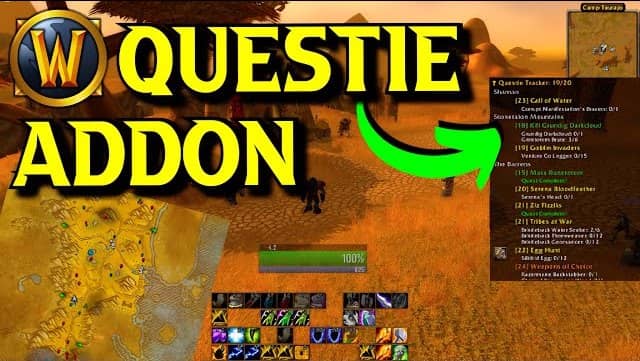
Questie adds clear quest objectives, map locations, and progress tracking directly into your game, helping you level efficiently without confusion or wasted time.
Join thousands of WoW Classic players using Questie to make questing easier and more enjoyable. Quick to install, easy to use, and constantly updated for the best experience.
Automatically tracks active quests and objectives in real time.
Shows quest locations clearly on map and minimap.
Quickly find quest givers and required NPCs.
Displays goals needed to complete each quest.
Helps players progress faster while leveling.
Supports frequent addon improvements and fixes.
Simple download and installation process.
Fully optimized for WoW Classic gameplay.
Questie is a quest helper addon for World of Warcraft Classic that provides map markers, quest tracking, and objective guidance to improve your leveling experience.
Download the Questie addon zip file, extract it into your WoW Classic Interface/AddOns folder, and enable it in-game.
Yes, Questie is open-source and available on GitHub. It’s widely trusted in the WoW Classic community.
Check the download page regularly for the latest releases, then replace the old addon folder with the new version.
Yes, Questie offers settings to adjust map icons, colors, and visibility to suit your preference.

Introduction Questie is one of the most installed addons for WoW Classic, and getting it set up correctly takes only a few minutes. The process

Introduction Questie is a powerful quest tracking addon, but its continuous map rendering, real time database queries, and zone wide NPC tracking can place a

Introduction Marker overlap is one of the most common visual problems Questie users encounter, particularly in zones with high quest density or when running multiple

Introduction Addon conflicts are one of the least understood problems in WoW Classic troubleshooting. When Questie icons disappear, display incorrectly, or cause UI errors, another

Introduction Questie error messages are one of the most common sources of confusion for WoW Classic players. An error popup or chat message referencing Questie

Introduction Questie’s filtering system is the most direct way to control what appears on your map and how much visual information you are managing at